
Post
VPN vs Proxy: Traffic Coverage, Encryption and Trust Explained
Compare VPNs and proxies by application coverage, transport protection and operator trust. Learn what a changed public address can and cannot establish.
VPNBLADE · PLAN SHORTLIST
Compare current VPN plans
Selected plan offers, not performance rankings. We may earn a commission through affiliate links. Monthly equivalents require the full payment shown.

ExpressVPN
Check your exact device setupExpressVPN Basic — 28-month introductory offer
USD 83.72 upfront · First 28 months, paid upfront
Get ExpressVPN deal Offer details & coupon conditions →Renewal & refund conditions
USD 99.95 annually after the initial 28-month term.
30-day money-back guarantee for new users; provider terms and purchase-channel conditions apply.

Proton VPN
Compare free access and paid upgradesProton VPN Plus — 24-month introductory offer
USD 83.76 upfront · First 24 months, paid upfront
Get Proton VPN deal Offer details & coupon conditions →Renewal & refund conditions
USD 83.88 every 12 months after the initial 24-month term; renewal prices are subject to the provider’s terms.
30-day money-back guarantee; purchase-channel and provider eligibility conditions apply.
In this article

Cover: AI-generated editorial illustration of an everyday device setting; not a product screenshot or evidence of testing.
A VPN and a proxy can both act as intermediaries, but the names do not establish the same traffic coverage or encryption. Compare the actual route, the applications using it and the operator you trust. A browser proxy setting can leave other programs unchanged; a VPN configuration can also have exceptions.
The practical question is what you want to accomplish. Sending one browser through a particular gateway, connecting to an organization’s internal network and protecting traffic on an untrusted access network are different jobs. A product should be assessed against the job it supports, not against the reassuring word in its name.
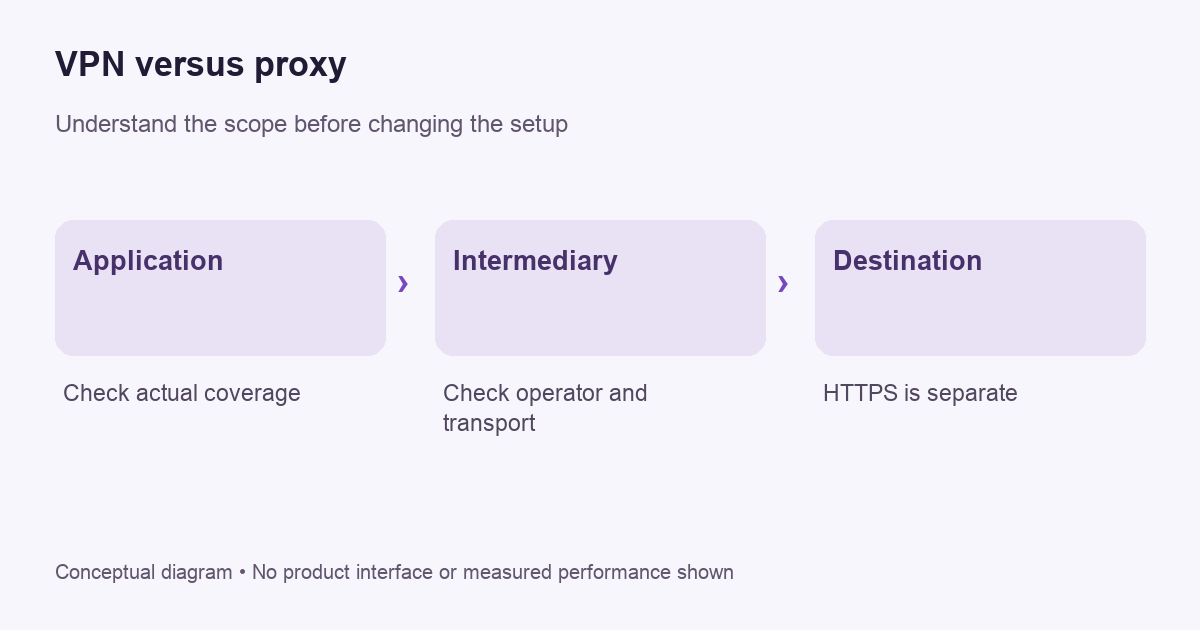
What a proxy does
MDN’s explanation of proxies and tunneling describes intermediaries between clients and servers, including forward proxies acting for clients and reverse proxies acting for servers. When a consumer changes a browser’s proxy settings, the relevant idea is usually a forward intermediary. A website’s reverse proxy is a different arrangement and does not mean you installed a privacy service.
A proxy’s security properties depend on its protocol and implementation. Do not assume that all proxy traffic is encrypted, or that a proxy can read every HTTPS page. Equally, a changed public address is not proof that a service is trustworthy. Identify how the connection reaches the intermediary and what protects the onward application connection.
What a VPN changes
A VPN establishes a tunnel for traffic selected by its configuration. WireGuard’s technical overview, for example, describes carrying IP packets in an encrypted UDP tunnel. The surrounding provider app manages additional tasks such as account access and user-facing controls. That is different from simply changing a browser’s forwarding setting.
Coverage still needs checking. A VPN can route selected applications or destinations differently, and a browser extension may be browser-scoped even when marketed under a VPN brand. Read the product’s description rather than assuming its label means every process uses one path. Our VPN fundamentals guide explains the tunnel boundary.
VPNBLADE · PLAN SHORTLIST
A current plan to consider
Selected plan offers, not performance rankings. We may earn a commission through affiliate links. Monthly equivalents require the full payment shown.
ExpressVPN
Check your exact device setupExpressVPN Basic — 28-month introductory offer
USD 83.72 upfront · First 28 months, paid upfront
Get ExpressVPN deal Offer details & coupon conditions →Renewal & refund conditions
USD 99.95 annually after the initial 28-month term.
30-day money-back guarantee for new users; provider terms and purchase-channel conditions apply.
Compare scope with a simple inventory
List the programs that matter: a browser, mail client, meeting app, game and file-sync tool. Beside each, write the intended route. If only the browser is configured to use a proxy, do not count the other applications as covered without evidence. If a VPN app has an exclusion list, inspect it before making a broad claim about the device.
| Question | Why it matters |
|---|---|
| Which applications use the intermediary? | One successful browser check does not describe every program. |
| What encrypts the first connection? | The service label alone does not establish transport protection. |
| What protects the destination connection? | The intermediary is not the final website. |
| Who operates the service? | Changing the route changes the party you depend on. |
Keep this inventory small enough to maintain. It should describe real tasks, not an imagined list of everything a device might ever do. Update it when you replace an app or change the configuration.
HTTPS remains a separate layer
Cloudflare’s HTTPS explanation describes TLS protection for the browser-to-site connection. A VPN tunnel does not turn a certificate warning into something safe to ignore. A proxy also does not automatically make a legitimate HTTPS connection unsafe. The endpoint, certificate and intermediary configuration all matter.
For ordinary users, the actionable rule is to keep browser security checks in place. Do not install an unknown certificate or disable certificate validation merely because an unfamiliar service says it is necessary for privacy. On a managed work device, ask the administrator about approved inspection and network settings rather than trying to remove them blindly.
A free public proxy deserves careful scrutiny
Before using any intermediary, identify its operator, privacy policy, support channel and business model. A list of public addresses with no accountable operator gives you little basis for evaluating trust. Working once is not evidence of responsible data handling. Avoid entering sensitive account information through an arrangement you do not understand.
The same scrutiny applies to a paid VPN. Payment alone does not prove good operations, and a polished app does not establish an audit result. Look for specific evidence and scope. Read our guide to deciding when a VPN helps for the questions that remain after a connection is encrypted.
How to verify the route you intended
Begin with one application and a harmless request. Check its public-address result before and after the supported configuration change. If the result changes, you have evidence about that request’s observed address. You have not audited every application or established that there are no other identifying signals.
Repeat the check in a program outside the intended scope where practical. A different result can be correct if that program was deliberately left on the ordinary connection. If the distinction is unexpected, return to the application settings and documented routing behavior. Our split-tunneling guide provides a method for keeping exceptions understandable.
When the simpler option fits
A supported browser proxy may fit a browser-specific workflow. A supported VPN may fit a broader tunnel requirement. An organization may require an entirely different approved remote-access system. Choose the arrangement with the necessary coverage and a recovery process you can actually follow. More overlapping tools can make a simple failure difficult to diagnose.
Do not install two unfamiliar network applications at once and assume they reinforce each other. Establish a working baseline, change one component, and record the outcome. If the connection fails, use structured troubleshooting rather than adding another layer while guessing.
Buying checks that matter more than labels
Confirm the exact app, operating system, plan eligibility and cancellation route. Ask whether a browser extension is independent or controls a desktop client. Read the current documentation for the feature you need. Then compare the full initial bill and renewal conditions instead of choosing by the lowest displayed monthly equivalent.
Our Proton VPN store and ExpressVPN store contain dated offer records. They can help with billing comparisons after you establish technical fit. The following cards do not establish that either product has identical proxy behavior or has been independently tested by VPNBlade.
Live plan records · Monthly equivalents require the full initial payment. Prices in different currencies are not directly comparable. Confirm tax, eligibility and renewal terms at checkout.
Proton VPN Plus — 24-month introductory offer
USD 3.49/month equivalent
USD 83.76 upfront
First 24 months, paid upfront
Next bill: USD 83.88 every 12 months after the initial 24-month term; renewal prices are subject to the provider’s terms.
Recorded code: VPNINTRO449349
Source checked 2026-10-25 · Research record; no performance endorsement.
See offer & full terms ↗ExpressVPN Basic — 28-month introductory offer
USD 2.99/month equivalent
USD 83.72 upfront
First 28 months, paid upfront
Next bill: USD 99.95 annually after the initial 28-month term.
Source checked 2026-10-25 · Research record; no performance endorsement.
See offer & full terms ↗Can a browser extension cover a desktop game?
Do not infer that coverage from the extension’s name. Read whether it proxies browser requests, controls an installed VPN client, or uses another arrangement. Then check the game’s actual network path using supported diagnostics. A browser address check cannot answer the question for a separate process. Confirming the scope before subscribing can prevent paying for a service that does not address the intended task.
Sources and editorial method
Written by VPNBlade Editorial from the primary documentation below, checked 26 October 2026. Practical checklists are editorial guidance, not a claim of hands-on product testing. Menus and product behaviour can change; follow the documentation for your current app and device.
- developer.mozilla.org — Proxy_servers_and_tunneling — Documented scope, supported configuration and limitations discussed in the linked article section.
- www.wireguard.com — www.wireguard.com — Protocol packet encapsulation and separation of surrounding configuration responsibilities.
- www.cloudflare.com — what is https — TLS protection is separate from the intermediary route.
Read our editorial standards · Explore the VPNBlade Blog
Sources & verification
- developer.mozilla.org — Proxy_servers_and_tunneling ↗Primary platform, project or provider documentation · Checked 2026-10-26
Documented scope, supported configuration and limitations discussed in the linked article section.
- www.wireguard.com — www.wireguard.com ↗Primary platform, project or provider documentation · Checked 2026-10-26
Protocol packet encapsulation and separation of surrounding configuration responsibilities.
- www.cloudflare.com — what is https ↗Primary platform, project or provider documentation · Checked 2026-10-26
TLS protection is separate from the intermediary route.
YOUR EXPERIENCE MATTERS
Was this article useful?
Genuine reader helpfulness ratings. These do not measure VPN performance or verify a purchase. Only moderated submissions count. Ratings may reflect earlier versions of this information.
VPNBLADE · PLAN SHORTLIST
Ready to choose a plan?
Selected plan offers, not performance rankings. We may earn a commission through affiliate links. Monthly equivalents require the full payment shown.
ExpressVPN
Check your exact device setupExpressVPN Basic — 28-month introductory offer
USD 83.72 upfront · First 28 months, paid upfront
Get ExpressVPN deal Offer details & coupon conditions →Renewal & refund conditions
USD 99.95 annually after the initial 28-month term.
30-day money-back guarantee for new users; provider terms and purchase-channel conditions apply.
Proton VPN
Compare free access and paid upgradesProton VPN Plus — 24-month introductory offer
USD 83.76 upfront · First 24 months, paid upfront
Get Proton VPN deal Offer details & coupon conditions →Renewal & refund conditions
USD 83.88 every 12 months after the initial 24-month term; renewal prices are subject to the provider’s terms.
30-day money-back guarantee; purchase-channel and provider eligibility conditions apply.